
Best Mobile Strategy Games to Play on PC in 2026
Clash of Clans, Rise of Kingdoms, Whiteout Survival and more on PC in 2026: which have official PC versions, which need an emulator, and setup tips.
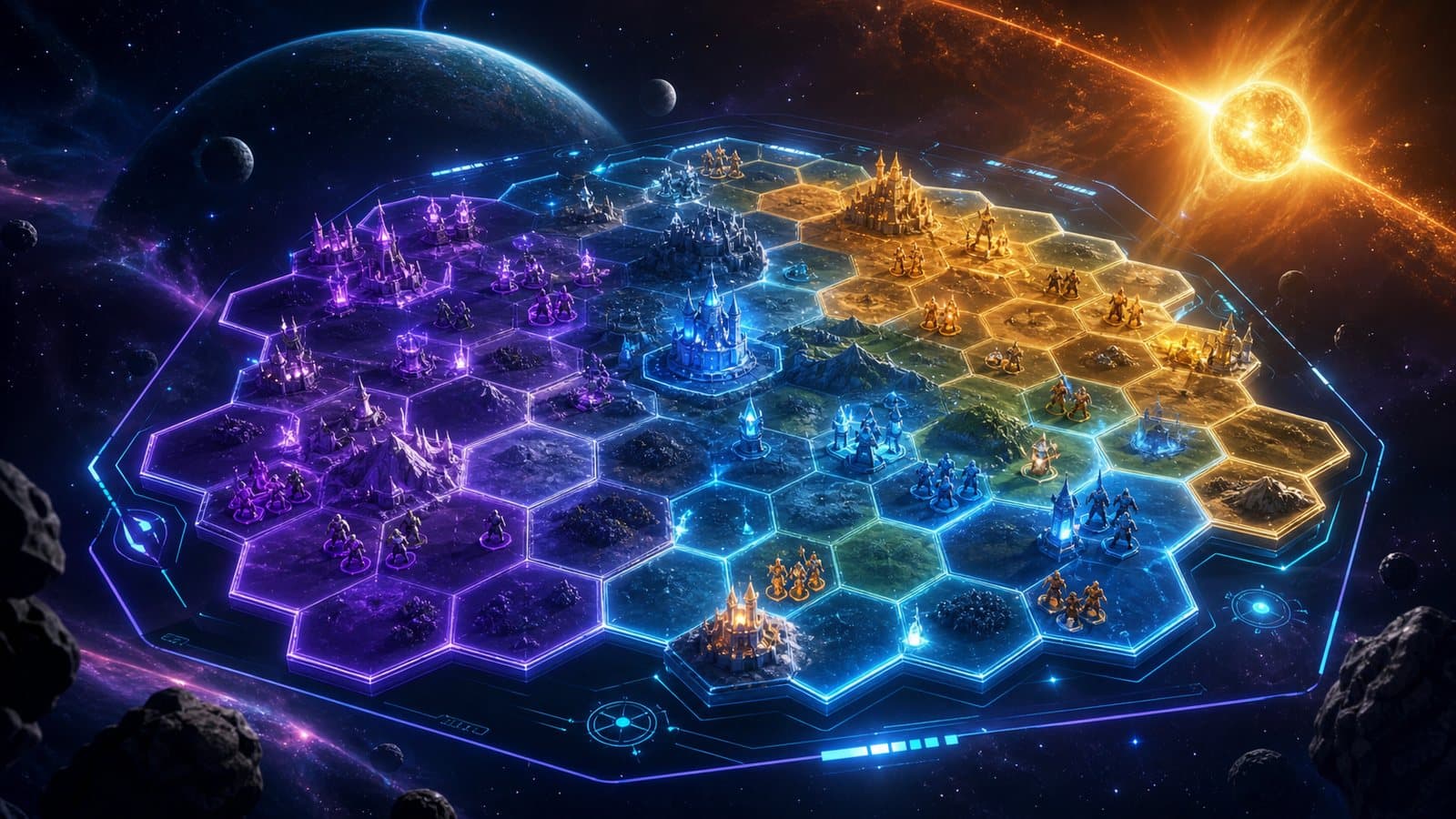
Strategy games put a lot of information on one screen: resource timers, troop queues, the world map, alliance chat and event calendars. On a phone you are constantly zooming in to tap something and zooming out to see the whole picture. On a monitor with a mouse, most of that friction goes away.
The short answer: the mobile strategy games that gain the most on PC in 2026 are Clash of Clans, Clash Royale, Rise of Kingdoms, Whiteout Survival and Warcraft Rumble, plus Honkai: Star Rail if you like turn-based puzzles. Most of them now have an official way to play on Windows, so an Android emulator is an option, not a requirement. The sections below say which route fits each game.
Which mobile strategy games are worth playing on PC?
Clash of Clans
Supercell's base builder is one of the most-played mobile games in the world. Since October 2023, Supercell has offered Clash of Clans and Clash Royale on PC through Google Play Games, with progress shared through Supercell ID. Supercell notes that opening the game on one device logs you out on the other.
The base layout editor is where the mouse helps most: dragging buildings, placing walls in rows and moving defenses is faster than with a finger. Clan War scouting, where you study an enemy base looking for a three-star path, is also easier on a large screen. The Builder Base benefits in the same way.
Clash Royale
Clash Royale is real-time PvP, and placement precision decides fights: dropping a unit half a tile to one side of a tower changes how it pulls enemy troops. A mouse gives you more precise placement than a thumb, and a larger screen makes card text and the arena easier to read. It is available through the same official Google Play Games route as Clash of Clans.
Rise of Kingdoms
Rise of Kingdoms is a 4X game on mobile: civilization choice, tech trees, commander talents, alliance politics and large rallies. It is the game on this list with the most reading, and on a monitor you can actually read what each upgrade does before spending resources.
The continuous world map is the biggest gain. Scrolling it with the mouse and clicking targets directly is much faster than swiping and pinching. Lilith Games offers an official Windows download on the game's site, and you can log in with the same account you use on your phone.
| Task | Phone | PC (official client or emulator) |
|---|---|---|
| Map navigation | Swipe + pinch | Mouse drag + scroll wheel |
| Building queues | Tap each slot | Click, or keys mapped to buttons |
| Alliance chat | Thumb typing | Full keyboard |
| Rally coordination | Zoomed-out view | More of the map visible at once |
Whiteout Survival
Century Games' survival strategy game combines base management (keeping the furnace running, recruiting survivors, building shelters) with timed alliance events. Seeing the whole base without zooming helps with heat management, and alliance events are easier to follow with the chat open on one side of the screen. Typing attack plans on a physical keyboard is also much faster.
It is listed on Google Play Games for PC, so there is an official Windows route besides an emulator.
Warcraft Rumble
Blizzard's real-time lane strategy game (you place units and they march down lanes, tower-defense style) launched on mobile in November 2023 and came to Windows through Battle.net in December 2024. In July 2025, Blizzard announced that it would stop making new content and keep the game running with recurring events and bug fixes.
It is still playable and the existing campaign and modes are all there, but do not expect new heroes or maps. On PC, the Battle.net version is the natural choice.
Honkai: Star Rail (for its strategy modes)
Star Rail is an RPG, but its turn-based combat and its endgame modes (Pure Fiction, Apocalyptic Shadow, Memory of Chaos) work like strategy puzzles: team composition, skill order and enemy weaknesses. Buff and debuff descriptions are small on a phone and easy to read on a monitor. HoYoverse has a native Windows client, which is the recommended way to play it on PC. Its long roguelike runs are also more comfortable sitting at a desk.
Official PC version or Android emulator?
Most games on this list now have an official PC route, which is usually the best choice when it exists. The Google Play Games on PC vs Android emulator comparison covers the trade-offs in detail. In short, an emulator makes sense when:
- The game is not on Google Play Games for PC in your region, or has no Windows client at all.
- You want all your mobile games in one place, including ones without a PC version.
- You want full control over key mapping, including buttons the official PC version does not map.
If you are new to running Android games on Windows, the guide on how to play mobile games on PC covers the setup from scratch.
What emulator features help in strategy games?
Strategy games are mostly clicks, not fast action, so the useful features are different from those for shooters:
- Mouse clicks as taps. In an Android emulator, a mouse click registers as a tap where the cursor is, which is what you need for small interface buttons.
- Key mapping for repeated buttons. Map "collect", "train" or "help alliance" to keys so you do not have to aim at the same buttons every session. In NovaPlay, mapping is built in and control schemes can be imported and exported.
- Macros, within the rules. NovaPlay includes a macro recorder. Many strategy games forbid automation in their terms of service, so use macros only for things the game allows, and never for unattended farming.
- A low FPS cap for idle time. Strategy games do not need high frame rates. Capping NovaPlay at 30 FPS and turning on eco mode keeps the game open in a corner of the screen without loading your PC, so you can check timers while doing something else.
For the full mapping walkthrough, see keyboard and mouse controls for mobile games on PC.
How demanding are mobile strategy games?
They are among the lightest genres to run. The time spent in menus and on the map far outweighs heavy battle scenes, so a modest PC is usually enough, and a brief slowdown rarely costs you a match the way it would in a shooter. The heavier moments are large battles: big rallies in Rise of Kingdoms or busy lanes in Warcraft Rumble. If you do see drops, the best emulator settings for gaming guide covers renderer, resolution and frame cap settings.
Which game should you start with?
- Already have a base in Clash of Clans or Rise of Kingdoms? Log in with your existing account on PC first; you will notice the difference most in a game you already know.
- Want something that does not need a years-long commitment? Warcraft Rumble already has a full campaign to play through, as long as you are fine with no new content.
- Prefer short sessions? A Clash Royale match or a Star Rail endgame attempt takes minutes, not hours.
Strategy Games on PC: FAQ
What do I need to run Google Play Games on PC? Google's minimum is Windows 10 (v2004), an SSD with 10 GB free, 8 GB of RAM, 4 physical CPU cores, Intel UHD Graphics 630 or comparable, a Windows admin account and hardware virtualization turned on (Google Play Help).
Is Google Play Games on PC available in my country? It covers a long list of countries in Latin America, Europe, Asia and Africa, and Google keeps the current list on that same help page. If your country is missing, the game's own Windows client or an Android emulator is the alternative.
Does my progress sync between Google Play Games on PC and my phone? Google says you can sync your progress whether you play on a computer or a mobile device. In practice it follows each game's account: Clash of Clans and Clash Royale use Supercell ID, so sign in with the same one on both.
All five main games are free to play. If you want to run the mobile versions side by side on Windows, NovaPlay is a free Android emulator with Google Play preinstalled.
NovaPlay is an independent Android emulator and is not affiliated with, endorsed by, or associated with any third-party game or brand mentioned. Game names are used for descriptive purposes only.