
How to Play 99 Nights in the Forest on PC (2026): Controls, Sprint and Survival Guide
Play 99 Nights in the Forest on PC: sprint and keyboard controls, how the campfire, beds and day counter work, the Deer, cultists and run-ending mistakes.
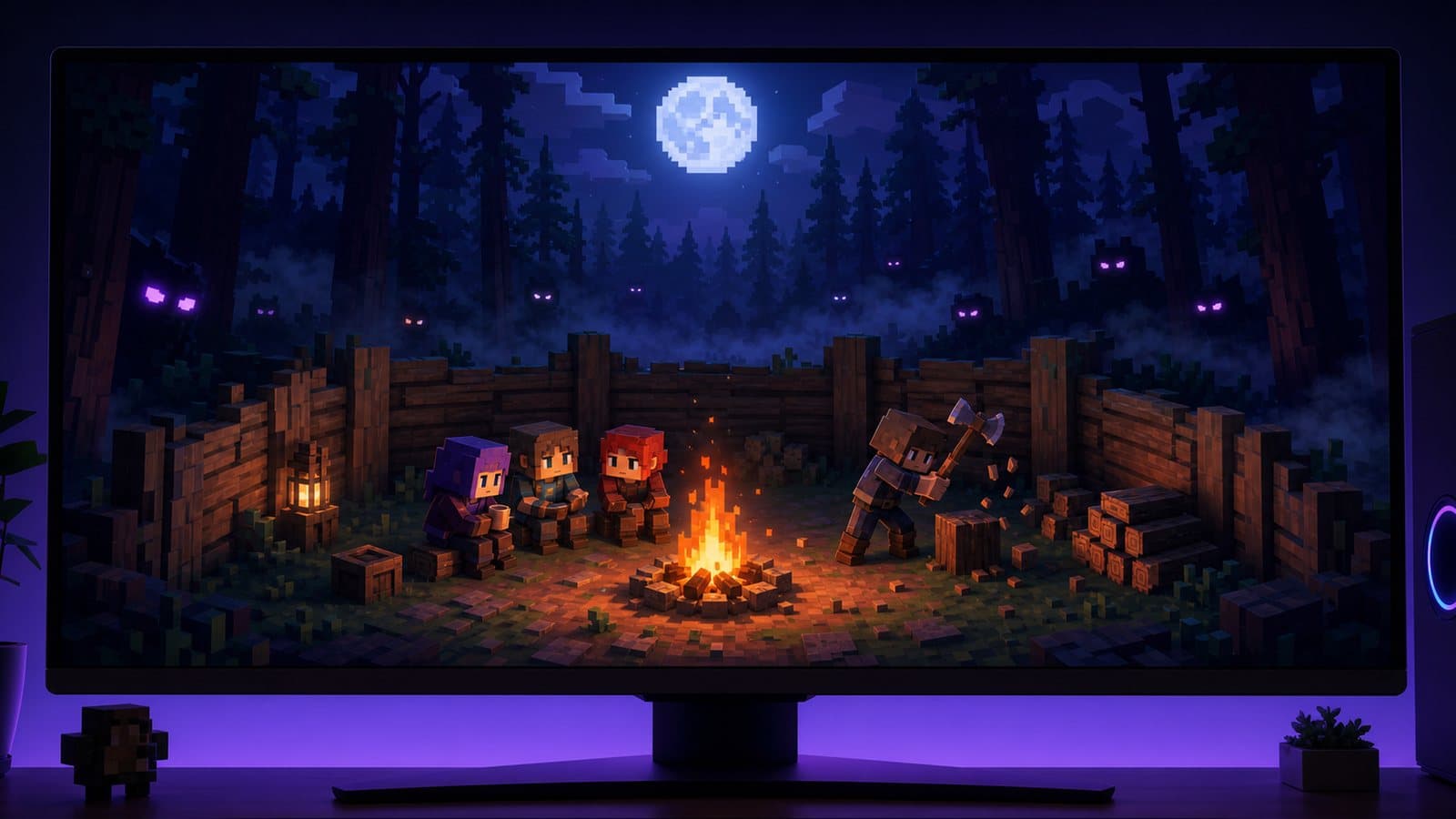
99 Nights in the Forest is a co-op survival game on Roblox by Grandma's Favourite Games (official game page). The goal is simple and the ways to fail are many: keep your group alive until the day counter reaches 99. In between there is a campfire to feed, a crafting bench to upgrade, four missing children to rescue, and a forest full of things that come out at night, above all the Deer.
To play it on PC, install the official Roblox client for Windows, sign in with your usual account and search for the game. Move with WASD, hold Left Shift to sprint, press E to interact and use the mouse to aim your flashlight or weapon. If you'd rather keep the mobile version, an Android emulator runs it too; the PC section below covers both.
The goal: a day counter, not 99 real nights
The name is a little misleading. You need to push the counter to Day 99, but you don't have to survive 99 separate nights. According to the community wiki's Days page, a day lasts 3 minutes and a night 1 minute 30 seconds, and each night normally adds one day. Beds bought at the crafting bench and rescued children raise that multiplier, up to 9 days per night.
That changes how you plan a run. Instead of just surviving night after night, you try to make every night count for more, which means investing early in beds and planning the rescues.
Your base: campfire and crafting bench
The campfire is the center of everything
The campfire gives light, warmth, a place to cook and a safe zone. The wiki's Deer page notes that the Deer won't enter the campfire's safe zone unless the fire goes out. Feed it logs, coal and fuel canisters, and keep a reserve stacked nearby so nobody has to leave camp at night for wood.
Feeding the fire also upgrades it, and upgrades reveal more of the map: new areas, structures and resources. A strong fire is both your defense and your exploration progress.
The crafting bench decides what you can build
The crafting bench turns materials into tools, storage, farming equipment, healing items and defenses, and upgrading it unlocks better recipes. A common early order:
- Gather logs and stabilize the campfire.
- Loot nearby structures for food and supplies.
- Secure a reliable food source.
- Upgrade the crafting bench.
- Build beds.
How do you survive the Deer?
The Deer appears at night and chases players. It can't be damaged, so the goal is always to escape, not to fight. What the wiki documents:
- A flashlight stuns it briefly, but each stun is shorter than the last and the Deer speeds up after every one.
- The campfire's safe zone stops it, as long as the fire is lit. If you're being chased, the fire is your destination.
- On "hungry" nights it gets faster and hits harder, and the same happens if the campfire runs out of fuel. Don't count on the flashlight alone late in a run.
Wolves, bears and cultists
Wolves roam the forest in packs, and bears are tougher enemies that guard caves and camps. Neither is worth fighting alone at night without supplies. Cultists come to your camp and attack whoever is closest; their behavior is fairly simple, so experienced groups lead them into traps and defenses instead of fighting in the open.
Rescuing the four children
Four children are missing in the forest, each held in a guarded area you have to clear before bringing them home. Rescues are one of the two ways to speed up the day counter, so plan them:
- Go in prepared: healing items, food and a better weapon before you push a guarded area.
- Go as a group. A lone rescuer is the easiest target in the game.
- Know the way home. The trip back to camp is where many rescues fail.
Classes and roles
The game has unlockable classes with different strengths, and the list and prices change with updates, so check the in-game shop. More important than any single class is role discipline in a group:
- One player stays at camp to keep the fire, cooking and defenses going.
- Gatherers move in pairs, especially once nights get dangerous.
- Someone owns healing. Bandages and medkits in one pocket beat everyone carrying one.
Common mistakes that end runs
- Running out of fuel at night. Stockpile before dark, every time. A dead fire also makes the Deer hungry.
- Exploring hungry. Hunger drains you on long trips. Carry food or don't go far.
- Splitting up after dark. Most wipes start with one player alone at the edge of the map.
- Skipping beds. They make each night worth more days; delaying them makes the run longer and riskier.
- Trusting the flashlight too much. Each stun buys less time than the last.
- Fighting cultists in the open. Let traps and defenses do the work.
Playing 99 Nights in the Forest on PC
Official client or emulator?
The official Roblox client for Windows (from roblox.com or the Microsoft Store) is the simplest way to play on a computer. Same account, same servers as your phone, native keyboard and mouse. Start there.
An Android emulator runs the mobile version instead. That makes sense if you prefer the mobile interface on a bigger screen, or if the Windows client keeps failing and the usual launch and crash fixes didn't help. In NovaPlay, mouse-look turns on automatically in Roblox, so the camera follows the mouse like it does in the Windows client; the on-screen sprint button can be mapped to Shift with the key-mapping tool (the keyboard and mouse guide explains how).
Keyboard controls
| Action | Key |
|---|---|
| Move | W A S D |
| Sprint | Hold Left Shift |
| Jump | Space |
| Interact, pick up, open | E |
| Use tool, weapon or flashlight | Left click |
| Hotbar slots | Number keys |
Left Shift for sprinting is the binding listed by Playgama's controls guide, and the rest is the usual Roblox layout. Sprinting drains stamina, so save it for when the Deer is actually behind you. If a key doesn't respond after an update, check the game's own settings menu.
Settings for night scenes
Nights with fire, fog and a group of enemies on screen are the heaviest part of the game on any client. Lower Graphics Quality in the Roblox menu (Esc → Settings) before night falls rather than in the middle of a chase, and if frames still drop, the Roblox FPS boost guide goes through the rest.
Quick FAQ
Is 99 Nights in the Forest free? Yes. It's free on Roblox, with optional purchases.
Can I play solo? You can, but the game is balanced around groups. Solo, stay close to the fire at night and explore carefully.
Does progress carry between phone and PC? Your Roblox account and purchases do. Runs themselves happen inside a server session.
For more Roblox on a computer, see the Roblox on PC guide and the best Roblox games of 2026.
NovaPlay is an independent Android emulator and is not affiliated with, endorsed by, or associated with any third-party game or brand mentioned. Game names are used for descriptive purposes only.