
How to Play Brookhaven RP on PC (2026): Houses, Roles & Roleplay Guide
Brookhaven RP guide for 2026: claiming and locking a house, picking a role, vehicles, private servers, etiquette, safety, and how to play it on PC.
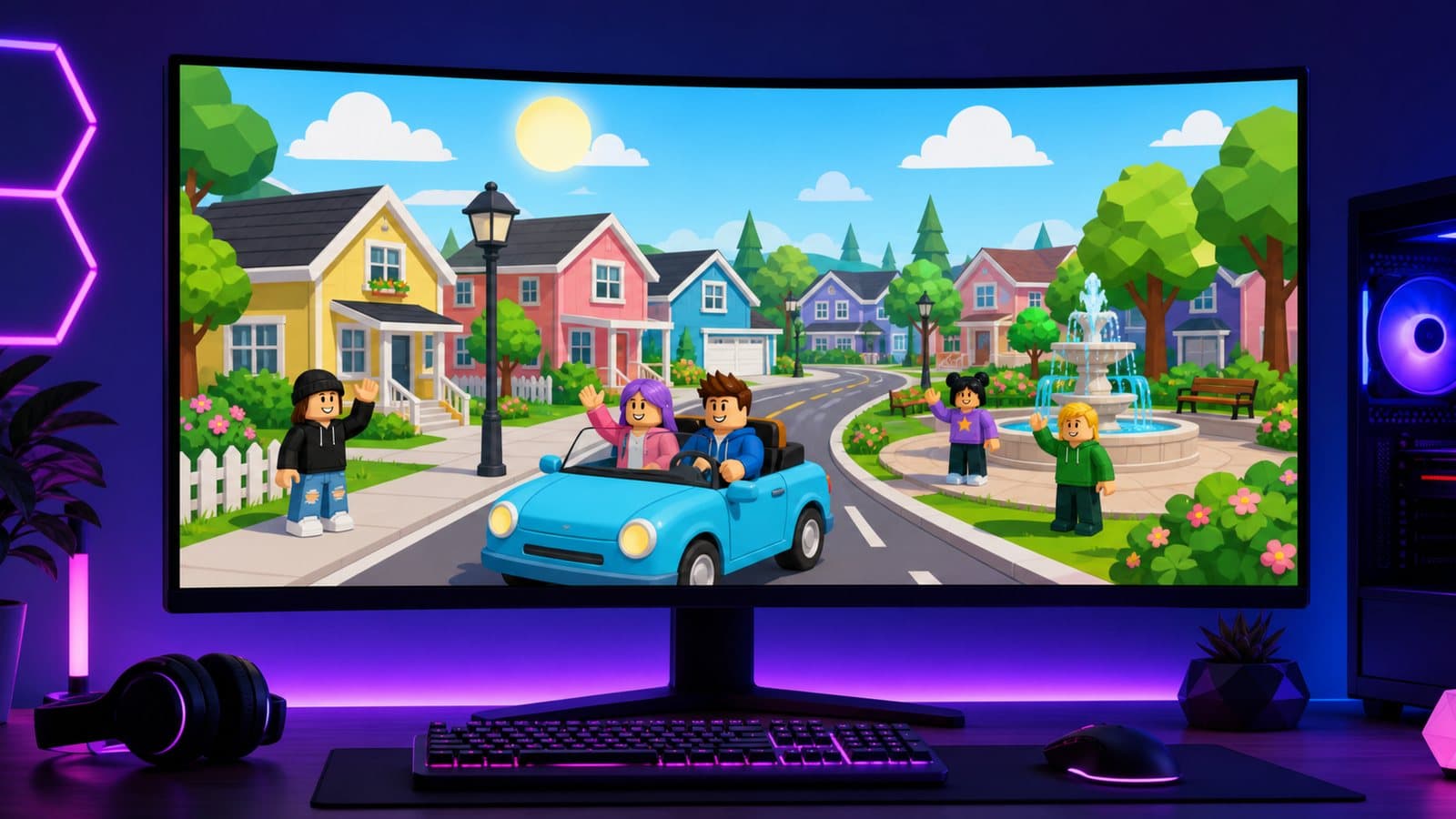
Brookhaven RP is one of the longest-running hits on Roblox, now published by Voldex (official game page), and it works differently from almost everything else on the platform. There is no level to reach, no boss to beat and no currency to grind. You spawn into a small town, pick a house, grab a car and decide what kind of story you want to be part of. Everything else comes from the people in the server.
To play it on PC, install the official Roblox client for Windows, sign in with the same account you use on your phone and search for Brookhaven: your houses, gamepasses and avatar come with you. Then claim a free house, lock it, pick a role that other players need (medic, shop worker) and join a scene.
How does Brookhaven work?
Think of Brookhaven as a stage with props rather than a game with rules. The core systems are simple:
- Houses. Every player can claim a home in the server. Many are free, and some extra houses are tied to gamepasses. Your house is your personal set: you decide who gets in and what it looks like.
- Vehicles. You can spawn a vehicle from the menu at almost any time, and many of them are free.
- Jobs and roles. Jobs aren't careers that pay a salary. They're roleplay categories that hand you themed tools and outfits and tell other players what your character is doing.
- Avatar and props. You can change outfits, names and accessories in-game, which is what lets one player be a doctor in one scene and a tourist in the next.
Nothing here scores you. The "progress" is how good the stories get, and that depends on the choices below.
Step one: claim and lock your house
The first thing experienced players do after joining is claim a house. Free homes are first come, first served in each server, so the nicer ones tend to go early.
Once a house is yours, open the house controls. The usual options include locking the doors, switching the windows between curtains and privacy glass, the garage door, colors and a sign so your place is recognizable in a scene. Some houses add extras such as security cameras.
You can also ban specific players from your house or add roommates. Roommates get broad permissions, so only add people you trust. A locked door with a clear sign ("Clinic", "Family Home", "Café") does more for roleplay than expensive furniture, because it tells passers-by what the space is for.
Common mistake: leaving your house unlocked and then getting frustrated when random players wander in and break the scene. Lock first, decorate second.
Step two: pick a role that creates interaction
If you're new to roleplay, the hardest part is having a reason to talk to people. The easiest fix is a role that other players need:
- Service roles such as medic, firefighter, teacher or shop worker give you a natural reason to approach anyone. Someone crashes a car, you show up. Someone needs food, you sell it.
- Police is popular but works best when there's a matching "criminal" side. In a public server, a lone police officer often just chases people who don't want to play along.
- Family roleplay (parents, kids, pets) is the most common style in Brookhaven. It works well in small groups and private servers.
- Civilian with a goal (tourist, new neighbor, someone looking for a job) is an underrated option. A simple goal gives you a line to open any conversation.
Change roles when a scene ends. Switching outfit and job takes seconds, so you're never stuck in a role that isn't working.
Vehicles are props, too
Spawning a car is the fastest way to move around town, but vehicles also set the scene. An ambulance parked in front of your house turns it into a clinic. A school bus gives a "school day" story a starting point. A food truck makes you a business.
- Park out of the way. Blocking roads and driveways is the most common complaint in public servers.
- Despawn what you don't need. Leftover cars clutter the map and cost frames on weaker PCs.
- Match the vehicle to the scene. In a family story, a minivan says more than a supercar.
Premium vehicles sit behind gamepasses, but the free selection is big enough to play for a long time without paying.
Public or private server?
Public servers are loud, unpredictable and full of people who may not want to roleplay at all. That's fun in short bursts, but it's hard to build a story with thirty strangers doing different things.
For groups who want real scenes, a private server is the answer. According to All Things How's private server guide, a Brookhaven private server costs 100 Robux per month, and many groups split that between friends. The official game page lists owner tools such as prop saving, server-wide music, and control over weather, time and who can join. Check the price on the game page before buying, since it can change.
A good pattern for friend groups:
- Agree on a setting before joining ("small-town hospital", "moving day", "school week").
- Assign roles quickly and let everyone claim a house that fits.
- Have one person act as a light "narrator" who proposes the next event when the scene stalls.
Roleplay etiquette that makes you welcome
- Read the scene before joining. If a group is clearly mid-story, ask in character whether you can join instead of barging in.
- Don't force outcomes on others. Saying another player's character did something without their agreement is the fastest way to end a scene.
- Keep chat readable. Short, clear messages work better than long paragraphs typed while everyone waits.
- Let scenes end. When people start drifting away, wrap it up and start something new.
Safety and privacy
Brookhaven is popular with younger players, so be careful:
- Never share personal information (real name, school, address, other social accounts) in chat, even inside a "roleplay".
- Use Roblox's block and report tools when someone harasses you. Leaving for a different server is always an option.
- Parents can manage chat, spending limits and who can join a child's game through Roblox's parental controls in account settings.
- Anyone offering free Robux, gamepasses or "admin" in exchange for your login is running a scam.
Are gamepasses worth it?
Brookhaven sells optional gamepasses for extra houses, vehicles and features such as music in your house. None of them are required. Play free for a few weeks, notice which limitation actually bothers you, and only then decide whether a specific pass fixes it.
Playing Brookhaven on PC
Brookhaven is a chat-heavy game, and that is where a computer helps most: a physical keyboard makes roleplay far faster than typing on a phone.
The official Roblox client for Windows is the default choice. Download it from roblox.com or the Microsoft Store, log in, and you're playing with keyboard and mouse. Our Roblox on PC guide covers the setup, and if the client won't open, see how to fix Roblox not launching.
The keys you'll use most are the standard Roblox ones:
| Action | Key |
|---|---|
| Walk or drive | W A S D |
| Jump | Space |
| Open chat | / |
| Turn the camera | Hold right mouse button and drag |
| Zoom | Mouse wheel |
| Menus (houses, vehicles, avatar) | Click the buttons on the side of the screen |
If you want the camera to follow the mouse without holding the right button, turn on Shift Lock in the Roblox settings menu (Esc → Settings) and toggle it with Shift. Brookhaven is fairly light, but a crowded server full of spawned cars can stutter on older PCs; lowering Graphics Quality in the same menu usually fixes it, and the Roblox FPS boost guide covers the rest.
An Android emulator runs the mobile version instead, which is worth it mainly if you're used to Brookhaven's phone menus or the Windows client gives you trouble. In NovaPlay, mouse-look turns on automatically in Roblox, and the keyboard and mouse controls guide explains how to map the touch buttons to keys.
Quick FAQ
Is Brookhaven RP free? Yes. Gamepasses add extra houses, vehicles and features, but the game is fully playable without them.
Does my PC need to be powerful? No. Crowded servers with many vehicles are the heaviest case; lower graphics if they stutter.
Is there a goal or ending? No. Brookhaven is a sandbox. The goals are the ones your group invents.
Where should a new player start? Claim a free house, lock it, pick a service role like medic and drive around offering help. You'll be in a scene within minutes.
For more games to play with friends, see the best Roblox games of 2026 and new Roblox games to play with friends. If you're new to the platform, start with the Roblox beginner guide.
NovaPlay is an independent Android emulator and is not affiliated with, endorsed by, or associated with any third-party game or brand mentioned. Game names are used for descriptive purposes only.