
Steal a Brainrot Guide (2026): Base Defense, Stealing & Rebirths — Plus How to Play on PC
Play Steal a Brainrot on PC: keyboard controls, how the conveyor, base lock and income work, how to steal safely, when to rebirth and mistakes to avoid.
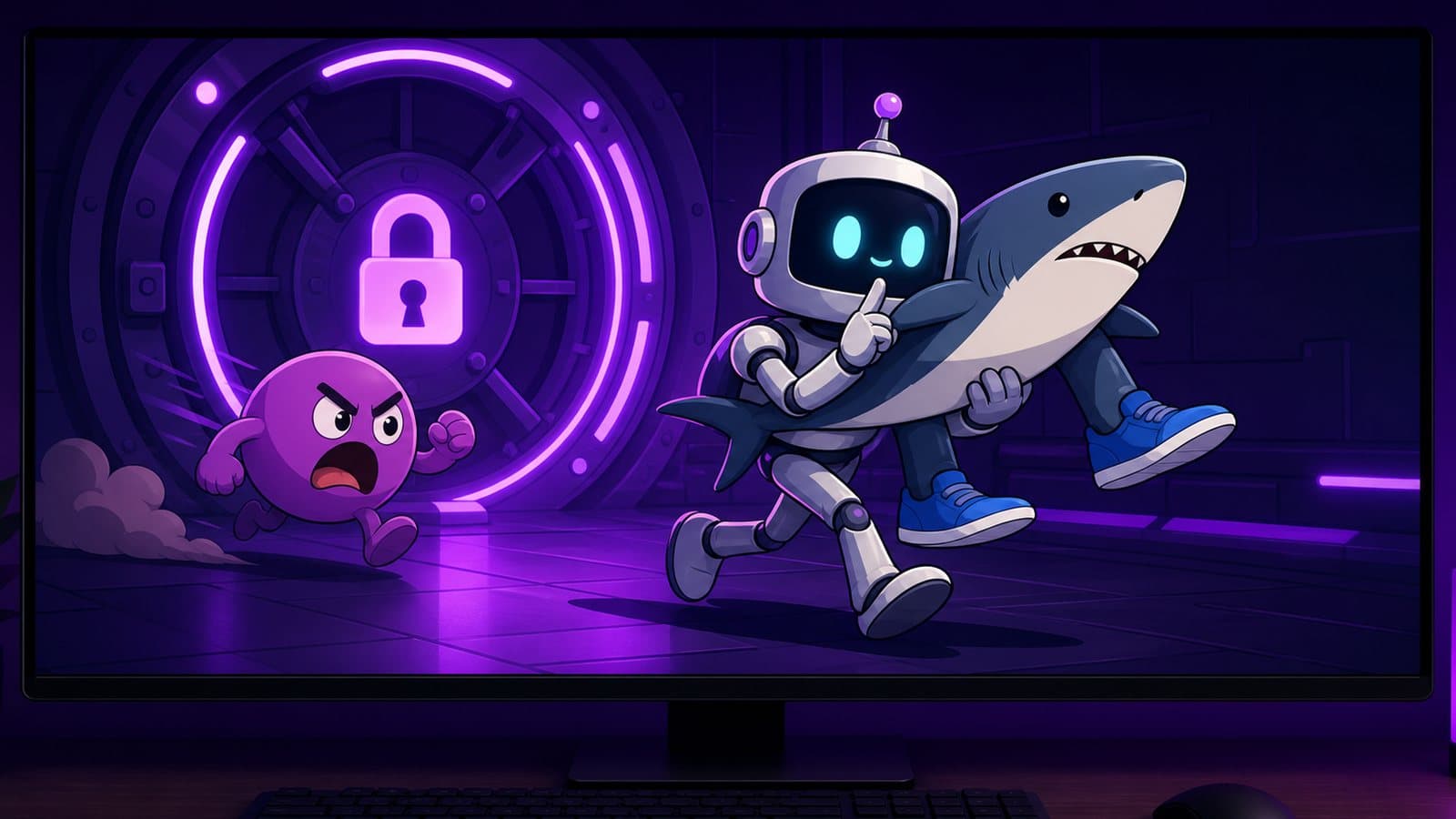
Steal a Brainrot is one of the biggest games Roblox has ever seen. Made by SpyderSammy for DoBig Studios and released on May 16, 2025, it reached a peak of 25.4 million concurrent players in October 2025, the first Roblox game past 25 million, according to Wikipedia. The idea fits in one sentence: buy meme characters called brainrots, put them in your base so they earn money, and steal other players' brainrots while they try to steal yours.
To play it on PC, install the official Roblox client for Windows, sign in with your usual account and join the game; your base and brainrots come with you. Move with WASD, press E on the buy and steal prompts, and use number keys for gear. Then build one habit before any other: re-lock your base every time you come home.
Steal a Brainrot is updated constantly, so exact numbers (prices, lock times, multipliers) change often. This guide explains how the systems work and leaves the current figures to the in-game index and shop.
How the game loop works
Every server has a handful of bases around a central area. You spawn in your own base with a small amount of starting cash, and everything that follows is a loop:
- Buy a brainrot from the conveyor in the middle of the map.
- Place it in your base, where it produces money every second.
- Collect that money and reinvest it in better brainrots.
- Protect what you have, or go take someone else's.
On top of that loop sit rebirths, mutations and traits that multiply income, gear from the shop, trading and rotating limited events.
The conveyor
Brainrots walk along the conveyor, and you can buy one before it walks off. Other players see the same brainrots, and high-rarity spawns are announced to the whole server, which is why they turn into a scramble. Early on, don't chase the announced rare. Buy the cheap ones nobody is fighting over and fill your slots.
Rarities, mutations and traits
Brainrots come in tiers, from Common up through Legendary, Mythic, Brainrot God and Secret, plus special categories added by events. Higher tiers spawn less often, cost far more and earn far more. Each brainrot's income is multiplied by your rebirth level and by any mutation or traits it carries, which is why two copies of "the same" brainrot can be worth very different amounts. The in-game index shows every brainrot you've discovered and what it earns; it's the only list worth trusting, because the roster changes with every update.
How do you protect your base in Steal a Brainrot?
The lock is your main defense
Your base has a lock (a shield button). While it's active, other players can't walk in and take anything. When it runs out, your base is open until you press it again. The lock lasts a limited time, and rebirths make it last longer.
Almost every lost brainrot happens the same way: the lock expired while the owner was out buying, stealing or not paying attention. Every time you come back to base, check the lock. If it's down, re-lock before you do anything else.
Put your best brainrots at the back
Your most valuable brainrots should sit furthest from the entrance. A thief who has to cross your whole base needs more time, and more time means more chance you notice the alert.
Gear helps, but it doesn't replace the lock
The shop sells gear that slows, pushes or stops intruders, and it improves as you rebirth. It's great for punishing a thief on the way out, but it won't hold a base on its own.
Watch the alert
When someone grabs one of your brainrots, you get notified. A thief carrying a brainrot moves slowly, so an alert is the start of a chase, not the end. Hitting them with gear before they reach their own base is how you get it back.
Stealing: how to pull it off
- Only target open bases. A locked base is a wall. Look for bases whose lock just expired and owners who have walked away.
- Pick targets you can carry home. While you carry a stolen brainrot you're slower and can't use your items. The closer the target sits to the entrance, and the closer that base is to yours, the better.
- Plan the exit before the grab. Running straight back past the owner is the most common way to lose a steal.
- Go when the owner is busy stealing elsewhere, fighting over a conveyor spawn or distracted by an event.
- Lock up before you leave. Plenty of players come home with a stolen Epic to find their own Mythic gone.
When should you rebirth?
Rebirthing resets your progress in exchange for permanent upgrades: a higher income multiplier, a longer base lock, more slots and access to stronger shop items. Each level asks for a cash amount plus specific brainrots, and the in-game rebirth panel shows exactly what the next one needs.
- Don't rebirth the moment you qualify if it means losing a setup that earns well with no cushion.
- Do rebirth once your income plateaus, when new purchases barely raise your earnings.
- Protect the required brainrots on purpose. Losing one to a thief can delay a rebirth.
Common beginner mistakes
- Forgetting to re-lock. By far the number one way to lose brainrots.
- Buying one expensive brainrot instead of filling slots. Early on, a full base of cheap units usually earns more.
- Leaving the best unit by the door. Move it to the back.
- Selling mutated brainrots without checking. A mutation or trait can make a common-looking unit valuable.
- Trusting old tier lists. The in-game index is current; a video from three months ago isn't.
- Using scripts or "auto steal" tools. They break Roblox's Terms of Use and are the fastest way to lose the account for good.
Playing Steal a Brainrot on PC
Official client or emulator?
Roblox has an official client for Windows, from roblox.com or the Microsoft Store, and for most people it's the simplest way to play: native keyboard and mouse, no extra software in between. Our Roblox on PC guide covers the setup, and the launch and crash guide helps if it won't open.
An Android emulator runs the mobile version instead, which is useful if you prefer the phone layout on a bigger screen or the Windows client keeps failing. In NovaPlay, mouse-look turns on automatically in Roblox, so chases feel like the desktop client, and the on-screen buttons can be mapped to keys with the keyboard and mouse guide. Install Roblox from the Play Store inside the emulator and log in with the same account.
Keyboard and mouse controls
| Action | Input |
|---|---|
| Move | W A S D |
| Jump | Space |
| Buy from the conveyor, steal, lock | E on the prompt, or walk onto the lock button |
| Equip gear | Number keys |
| Use gear | Left click |
| Rotate camera | Hold right click and drag, or turn on Shift Lock in Roblox settings |
Shift Lock is worth trying for chases: it keeps the camera behind you, so aiming gear at a fleeing thief takes one hand.
Performance in crowded servers
Busy servers with many bases and effects are the heaviest part of the game. Lower the graphics slider in the Esc menu until the frame rate holds, and set Maximum Frame Rate to your monitor's refresh rate. In NovaPlay, start with the 60 FPS button and raise it to 120 or 144 only if your PC keeps up. The Roblox FPS guide has the rest of the settings that matter.
FAQ
Is Steal a Brainrot free? Yes. Robux purchases exist for items and boosts, but the core game works without paying.
Does my progress carry over between phone and PC? Yes. Everything is tied to your Roblox account, whichever client you use.
What's the best brainrot right now? It changes with almost every update. Check the in-game index instead of older lists.
If you like the steal-and-defend loop, Steal An Egg uses a similar idea with eggs, pets and a speed stat.
NovaPlay is an independent Android emulator and is not affiliated with, endorsed by, or associated with any third-party game or brand mentioned. Game names are used for descriptive purposes only.